Turn your contacts into a relationship network
Your address book knows who people are. Persodex helps it understand how they’re connected.
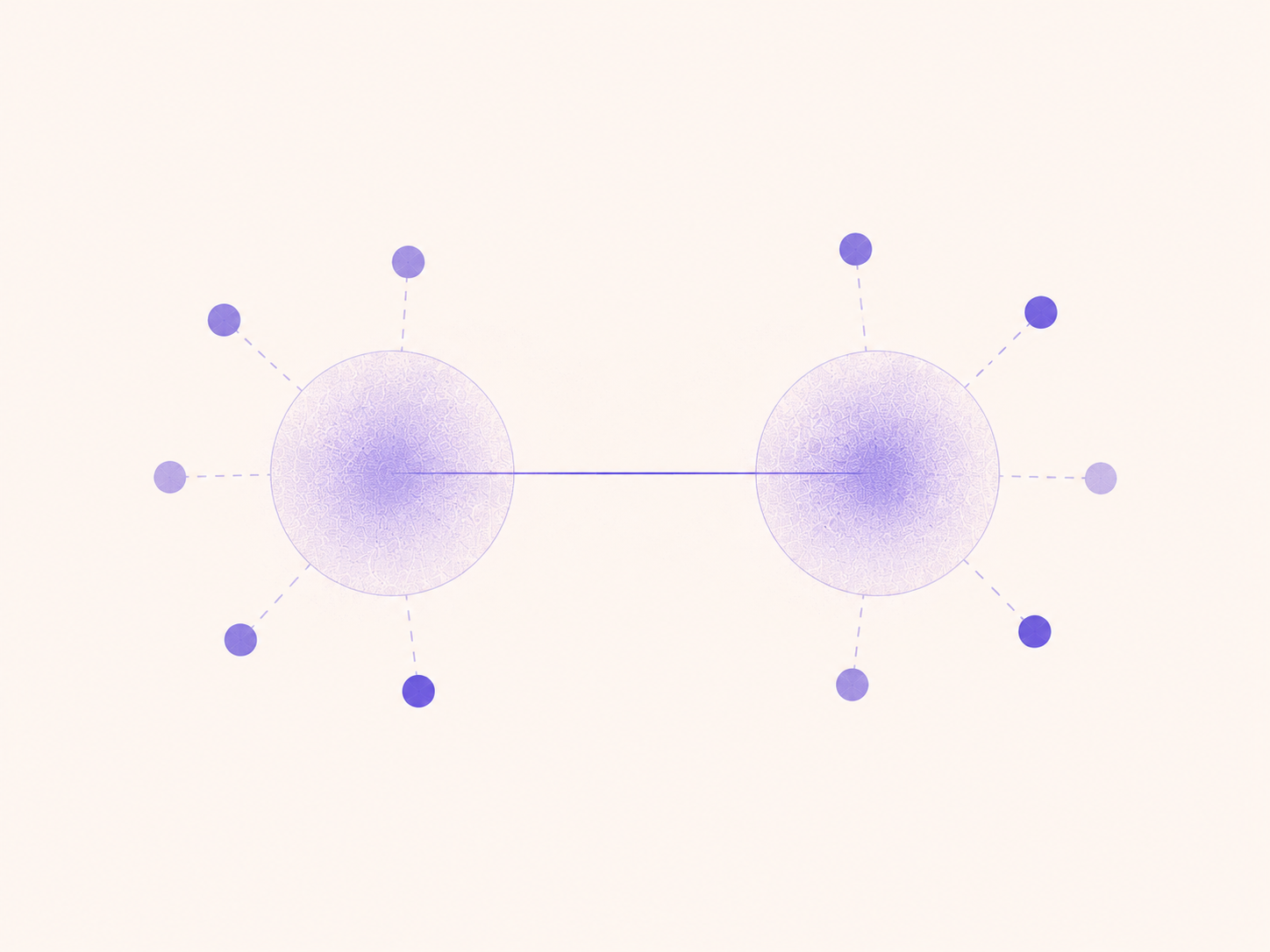
Apple Contacts has supported relationships for years. You can add someone as your spouse, parent, child, friend, manager, or another relationship. There’s just one problem: these relationships are stored as names, not as actual connections between the people in your contacts.
Persodex changes that.
Native relationships, made useful
Persodex builds on the relationship information already available in Apple Contacts. When a relationship matches someone in your address book, Persodex turns that name into a real, navigable connection between two contacts.
Your spouse becomes connected to their actual contact. Your children become people you can tap and explore. Friends, colleagues, managers, and professional connections become part of the same network.
No separate relationship database. No need to rebuild your address book somewhere else.
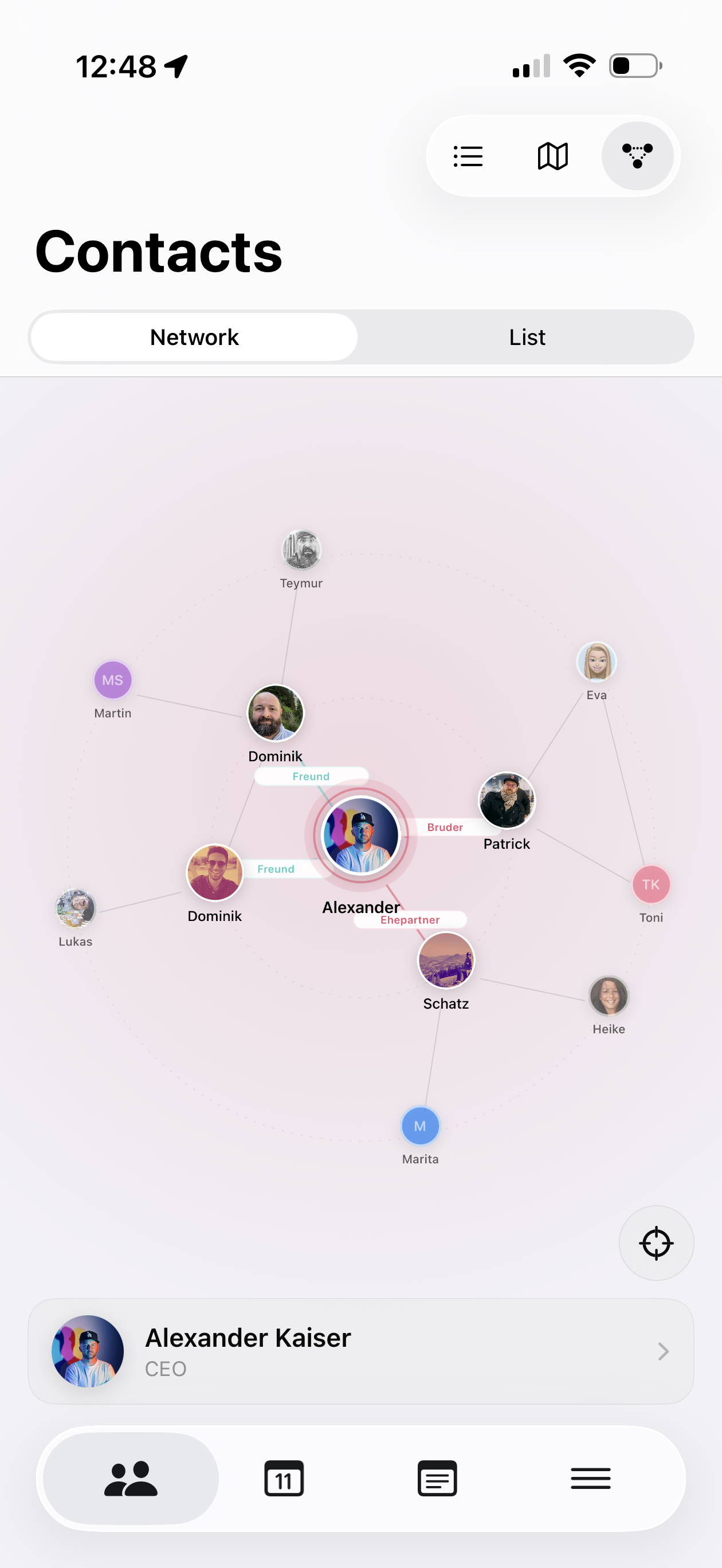
See the people around you
Relationships are easier to understand when you can actually see them.
Persodex turns your connections into an interactive network, starting with you.
Explore your immediate relationships, move through your network, and discover how the people in your address book are connected to each other.
Tap a person to bring them into focus. Follow a connection to another contact. Zoom out to see the bigger picture.
It’s your address book from an entirely different perspective.
Your network starts with you
Choose your own contact card in Persodex and it becomes the starting point for your network.
From there, your relationships expand naturally around you: family, friends, colleagues, clients, and everyone else you’ve connected.
Instead of looking at hundreds or thousands of isolated contacts, you begin to see the structure behind them.
Prefer a list? That’s there too.
Not everything needs to be a graph.
Switch to the Relationships list for a simple overview of the people in your network and how they’re connected. Each person appears once, with their relationships collected in one place, making it easy to browse or search your network without navigating the visual graph.
Built on your address book, not around it
Relationships follows the same philosophy as the rest of Persodex.
The underlying relationship information stays where it belongs: in your native Apple Contacts. Persodex builds a richer experience on top of the address book you already have instead of locking your relationships inside another service.
Because your contacts should still be your contacts, even without Persodex.